
Submit.com Scholarship Management Software From Application to Award
Manage scholarship applications, committee reviews and award decisions in one system.
Submit.com scholarship management software helps universities, foundations and scholarship providers run every fund from application to award in one secure platform, without spreadsheets or email chains.
Submit.com brings applications, eligibility checks, committee scoring, award decisions and recipient reporting into one place, so scholarship teams can run every fund the same way and show how each award was made.
Trusted by Education, Foundations, and Public Sector Teams
Universities, foundations and public bodies use Submit.com scholarship management software to screen applicants, run committee reviews and award funding in one platform.
- Rated 4.8 out of 5 from 108 reviews on G2 (October 2026)
- Ineligible applications screened out automatically on submission
- Committee members score in their own folders, with names hidden where needed
- Award amounts and payments tracked against each fund's budget
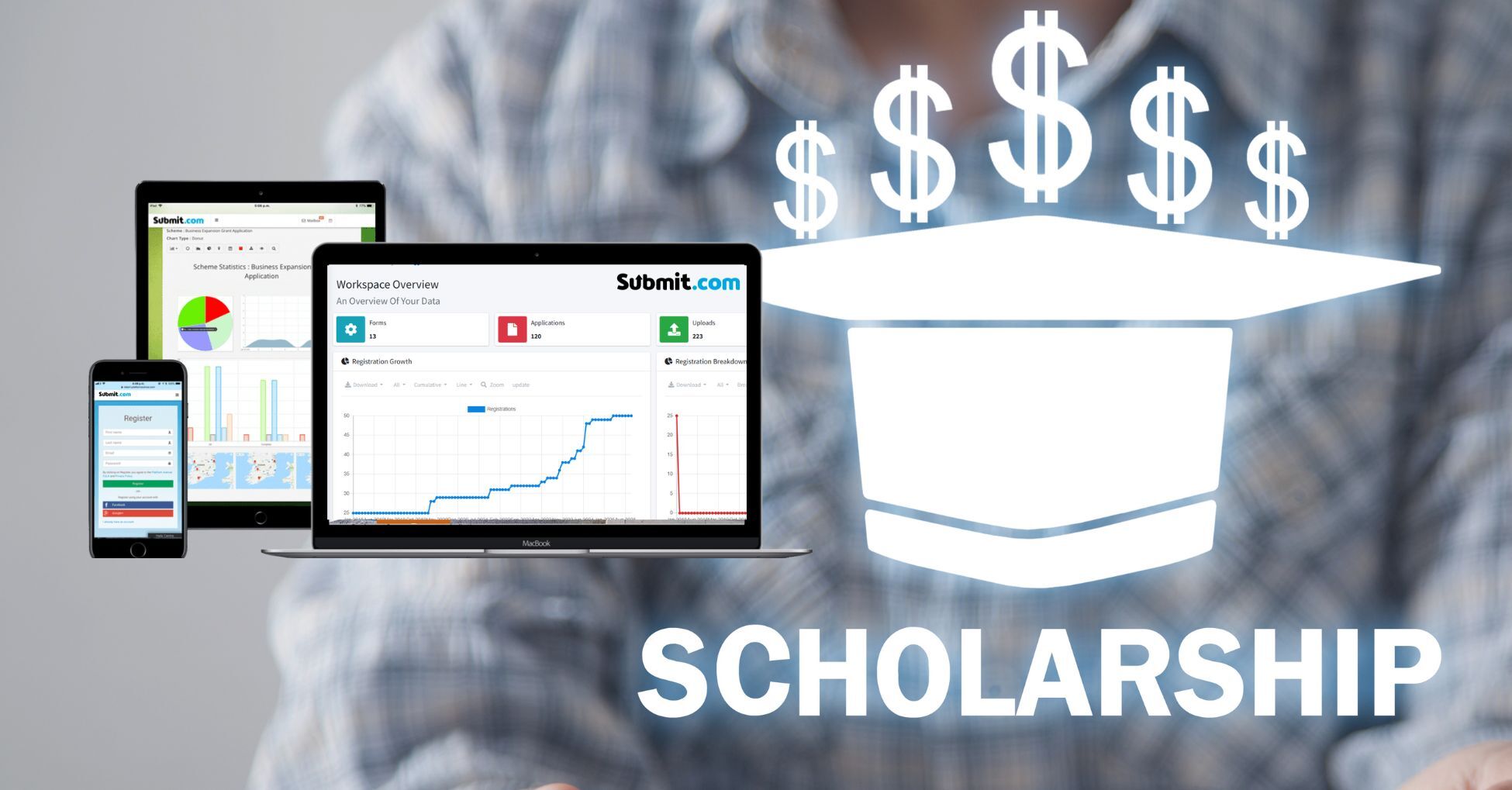
Manage Scholarship Applicants From Submission to Award
Submit.com scholarship management software keeps one record for each applicant, from the first form to the final recipient report, so your team can see where every application stands.
| Stage | What happens | Submit.com capability |
|---|---|---|
| Apply | Students complete a branded online form, upload transcripts and supporting documents, and save progress | Conditional logic, more than 25 question types, file uploads, saved progress, forms in several languages |
| Screen | Ineligible applications are screened out; eligible ones are sorted by fund, course or year | Auto-reject and auto-tagging rules applied on submission |
| Review | Committees score applications against shared criteria | Reviewer folders, weighted score bars with required notes, optional blind review |
| Decide | Shortlists and interviews lead to award decisions | Score filters, phases, invitations and outcome emails |
| Award | Amounts awarded and staged payments are recorded against each recipient | Grant tracking with budgets per form or phase, and drawdowns |
| Follow up | Recipients submit progress updates, and the programme reports to donors and the institution | Later phases for recipient reports, dashboards and exports |
On smaller screens, scroll the table sideways to see every column.
Applicant status tracking
Tags show where each application stands, and you choose whether each tag is visible to your team only or to students as well, so applicants can check their status without emailing. The drafts view shows applications still in progress and how much of each form is complete, so you can remind students before the deadline.
Records you can explain
Scores, notes and decisions stay with each application, and audit trails record activity on submissions, reviews, decisions and administrator actions, so you can show how each award was made.
What Submit.com Scholarship Management Software Does
Submit.com helps universities, foundations and scholarship providers manage applications, reviews, awards and reporting in one platform.
Collect Applications
Launch branded, mobile‑friendly portals with accessible forms, autosave, and conditional logic. Our scholarship application process accepts any file type while capturing relevant student data seamlessly.
Review Qualified Applicants
Set up committee reviews with weighted score bars, required notes and optional blind review, so members can score before meetings and spend meeting time on decisions.
Make Award Decisions
Filter by score to shortlist students, move them to an interview phase, and send outcome emails from templates to everyone with the same decision.
Manage Scholarship Funds
Set a budget for each fund, record the amount awarded to each recipient and each staged payment, and collect progress updates from recipients in a later phase.
Generate Comprehensive Reports
Use the live dashboard, filtered reports and exports to show each donor who their fund supported and to answer audit and board questions.
Why Teams Choose Submit.com Scholarship Management Software
Scholarship teams move from spreadsheets and email to Submit.com for these reasons:
Built for Accountability
Intuitive Award Management
Change forms, eligibility rules and review stages as donor requirements change, without developer support.
Fair Review Process
Score shortlisted students against the same weighted criteria, hide names where needed, and send applications to committees automatically with tags.
A Clear Experience for Students and Reviewers
Support Multiple Funds and Eligibility Rules
Most scholarship offices manage many funds, each with its own donor, criteria and budget. Submit.com handles them in one workspace without a separate process for each.
Multi-fund administration
Run each fund on its own form, or use one general application that routes students to the funds they match: conditional logic shows the right questions, and auto-tags send each application to the right fund folder and committee. Grant tracking sets a budget for each form or phase and records amounts awarded against it.
Eligibility rules
Auto-reject rules decline applications that fail a hard criterion, such as course, year of study or residency, as soon as they are submitted, with an email explaining why. Auto-tags flag applications that need a closer look, such as missing documents, without rejecting them.
Typical set-up: a university runs 40 donor-funded scholarships from one general application. Students answer one set of questions, auto-tags assign each application to every fund it qualifies for, and each fund's committee scores only its own folder. This is an illustrative example, not a customer case.
Submit.com Scholarship Software for Every Sector
Submit.com supports scholarship programmes in universities, foundations, public bodies and charities:

Higher Education
Handle high application volumes with eligibility screening and audit trails, and pass award data to your student information system through the API or exports.
Foundations & Corporate Impact Teams
Match each scholarship to its donor’s criteria, manage budgets by fund, and report to each donor on who their fund supported.
Explore Solutions for Foundations & Corporate Impact Teams ->
Government Departments
Run regional or national programmes with consistent scoring and audit trails. Submit.com is listed as an HM Government G-Cloud supplier.
Nonprofits & NGOs
Run scholarships with a small team, using eligibility rules, auto-tagging and email templates to cut manual admin.
Submit.com Scholarship Management Features
Smart Application Forms
Conditional logic shows students only the questions that apply to them, and forms work on any device and save progress.
Eligibility Rules and Auto-Tagging
Comprehensive Review Tools
Blind review options, weighted score bars and required notes give every committee member the same way to assess applications.
Automated Communications
Award and Payment Tracking
Stakeholder Reporting
Committee Review and Scoring
Scholarship committees are often made up of academics, donors and alumni with little time. Submit.com gives each member a short, focused list and a consistent way to score.
Consistent scoring
Weighted score bars let you give each criterion the weight your scheme requires, and required notes ask committee members to explain each score. Totals and averages are calculated automatically, and members see only their own scores.
Blind and sensitive review
Folder settings can hide students' names and contact details, and individual questions, such as financial circumstances, can be hidden from committee folders.
External committee members
Donors, alumni and external assessors get their own limited accounts, see only the folders shared with them, and can be prevented from downloading applications.
Shortlisted students can be invited to an interview phase or asked for more information, and committee members can review media and documents in the platform before and during meetings. See Submit.com scoring and review features.
Designed for Everyone in Your Scholarship Programme
For Administrators:
- Configure workflows without coding, follow progress on a live dashboard, and cut manual work with eligibility rules, auto-tagging and email templates.
For Review Committees:
- Score applications in secure folders containing only your assigned applications, using the same weighted criteria as every other committee member.
For Students & Applicants:
- Apply through a mobile-friendly portal that saves progress, and check your application status without emailing the scholarship office.
Reporting, Privacy and Integrations
Scholarship data includes students' personal, academic and financial information, and donors expect to know who their fund supported. Submit.com keeps that information controlled and reportable.
Student data controls
Role-based permissions decide who sees what, sensitive questions can be hidden from reviewers, and configurable data retention deletes data when your policy says it should. Submit.com lists SOC 2 Type 1 and Type 2 attestation and Cyber Essentials certification, and its G-Cloud listing declares UK and European Economic Area (EEA) data storage. See Submit.com security and compliance.
Recipient follow-up
A later phase collects progress updates, results or thank-you letters from recipients, and grant tracking records each payment against the fund. Reports filtered by fund tag show donors who their scholarship supported. See Submit.com reporting and analytics.
Integrations
The application programming interface (API) and comma-separated values (CSV) exports pass award data to student information, finance and customer relationship management systems, students can sign in with existing accounts, and single sign-on is available for enterprise customers. See Submit.com API and integrations.
For universities
See Submit.com for higher education for how universities run scholarships alongside research grants, awards and other programmes, and our scholarship management software buyer guide for how to compare platforms.
Why Scholarship Teams Use Submit.com
What scholarship teams get with Submit.com scholarship management software:
- One record for every applicant, from application to recipient report
- Committee scoring in folders, with weighted criteria and required notes
- Budgets, awards and payments tracked for each fund Rated 4.8 out of 5 from 108 reviews on G2 (October 2026)
- Used by universities including University of Limerick
Find out how to choose the best system for your institution.
“Very user friendly, organised, structured, but was also customisable.”
Recognised. Certified. Trusted.
Top Rated on G2 (2025)



Certifications & Trust


Frequently Asked Questions
What is scholarship management software?
Scholarship management software runs a scholarship programme from application to award: online application forms, eligibility checks, committee review and scoring, award decisions, payments and recipient reporting. Submit.com scholarship management software does this in one platform, replacing spreadsheets and email.
Can we manage multiple scholarship funds with different criteria?
Yes. Each fund can have its own form, eligibility rules, committee and budget, or one general application can route students to every fund they qualify for using conditional logic and auto-tags. Reports can cover one fund or all of them.
Can we customise the scholarship application process?
Yes. The no-code form builder offers more than 25 question types, conditional logic, file uploads and saved progress, and phases let you add an interview or further-information stage for shortlisted students.
Can Submit.com integrate with our existing systems?
Submit.com offers an API and CSV exports for student information, finance and customer relationship management systems, Stripe for payments, and sign-in with existing accounts, including single sign-on for enterprise customers.
What support comes with the scholarship management software?
Onboarding includes training sessions with the customer success team, and support continues through the help centre and support team. The details depend on your plan, so ask for them in your quote.
Is our students' data stored in the UK or EU?
Submit.com’s G-Cloud listing declares data storage and processing in the United Kingdom and the European Economic Area, and data retention can be configured to match your policy.
Ready to Run Every Scholarship Fund in One Place?
Bring one of your scholarships, with its criteria and committee, and we’ll show you how it would run in Submit.com scholarship management software.