

Five features matter most in online awards management software: flexible entry forms, autosave, automated emails, secure online judging, and reports you can filter and export. Get those right and you remove the printing, posting, chasing and spreadsheet totals that make awards programmes hard to run at scale. Test each one yourself in a demo before you commit.
This guide explains what each feature should do, what to check, and what awards organisers in Ireland and the UK have changed as a result. It is written by Submit.com, which makes awards management software.
The five features at a glance
| Feature | Why it matters | Test it in a demo |
|---|---|---|
| 1. Flexible entry forms | Entrants can submit documents, images and video, and only see questions that apply to them | Build a form with a conditional question and a video upload |
| 2. Autosave and progress | Entrants never lose work and can come back to finish | Start an entry on a phone, close it, reopen it later |
| 3. Automated emails | Confirmations, reminders and results go out without copying and pasting | Send a reminder to everyone with an unfinished entry |
| 4. Secure online judging | Judges see only their category and score against the same criteria | Log in as a judge and score an entry with no briefing |
| 5. Reporting and exports | Shortlists, results and trends without rebuilding spreadsheets | Filter entries by category and export the scores |
On a small screen, scroll the table sideways to see every column.
1. Flexible entry forms
Awards entries rarely fit a single text box. Entrants need to upload documents, photographs, videos and supporting evidence, and different categories need different questions. Good entry forms accept any file type, use conditional logic so each entrant sees only the questions for their category, and work properly on a phone.
What to check: whether you can build and change the form yourself without a developer, whether large video files upload reliably, and whether the form can be branded for your programme. If your awards charge an entry fee, check that payment can be taken as part of the entry.
2. Autosave and progress tracking
A strong entry takes time to write, and few entrants finish it in one sitting. Autosave stores answers as entrants go, so a timed-out session or a closed browser does not wipe their work, and progress tracking shows what is still missing before the deadline.
What to check: start an entry on one device, close it, and finish it on another. Then check what the entrant sees about missing sections before they submit.
3. Automated emails to entrants and judges
An awards round generates a lot of routine email: entry confirmations, reminders about missing material, shortlist invitations, judging reminders and results. Sending them one at a time takes hours and invites mistakes. Awards software should send these automatically or in bulk, based on an entry’s status, round or category, and keep a record of what was sent.
What to check: whether you can message everyone at a given status in one step, edit templates yourself, and see the message history for each entrant. For multi-round awards, check that shortlisted entrants can be invited to the next round without a second form.
4. Secure online judging
Judging is where awards programmes win or lose credibility. Judges should log in to see only the entries in their category, score them against the same criteria and weightings, and leave comments that explain their scores. Totals should be calculated for you, not added up in a spreadsheet.
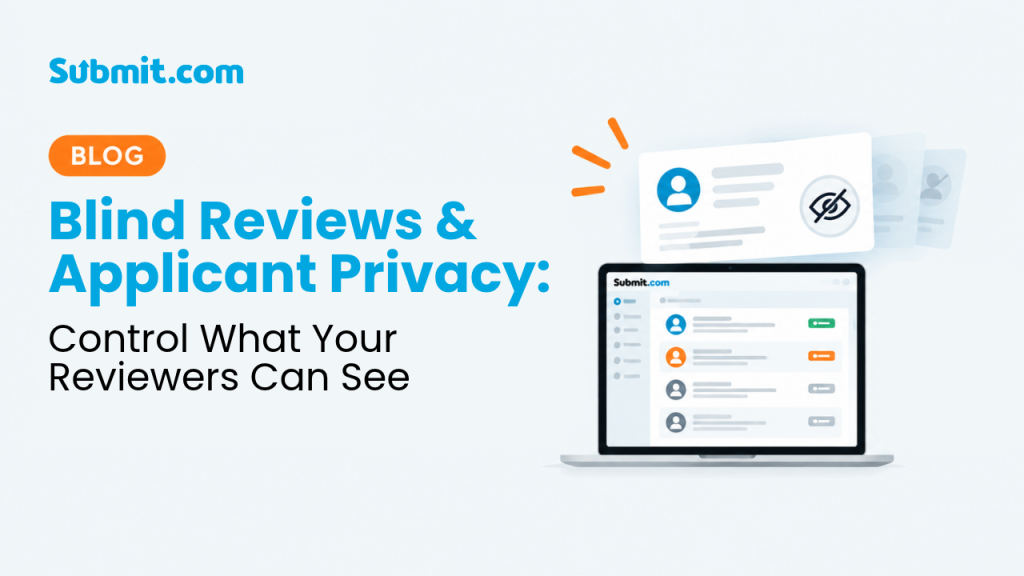
Fairness controls matter too: conflict-of-interest declarations, and blind or anonymous judging where judges are likely to know entrants. Our guides to blind reviews and applicant privacy and transparent awards judging go into more detail. Entrant data held for judging is personal data, so check how the supplier meets your GDPR or UK GDPR obligations.
What to check: ask a colleague who has not seen the system to log in as a judge and score an entry without a briefing. Many judges are volunteers who log in a few times a year.
5. Reporting and exports
Once entries are in, you need to see volumes by category, track which judges have finished, produce shortlists and results, and compare this year with last. Reports should filter by category, status, tag or date, and export to formats your team already uses, such as Excel, CSV and PDF.
What to check: produce a shortlist for one category with each judge’s scores, and see how long it takes.
What awards organisers in Ireland and the UK have changed
- Chambers Ireland runs three awards on Submit.com: the Chamber Awards, the Corporate Social Responsibility Awards and the Excellence in Local Government Awards. It used to print each application five times and post bundles to judges, and was starting to struggle to recruit them. Judges now score online from wherever they are, and only one or two of its less tech-confident judges needed talking through the system once.
- Cork City Council set up 23 external judges for the Cork Lifelong Learning Awards. Each judge saw only their assigned category and scored against five criteria, the totals were calculated automatically, and overall results stayed visible to internal staff only.
- At international scale, the Global Entrepreneurship Summit 2019 used five category folders so that more than 50 judges could evaluate over 5,500 applications from 140 countries, each seeing only their own category.
“Before Submit, it was torturous for our judges because they couldn’t work from anywhere. Whereas now they can do it on the train, the bus, or wherever, it’s just much easier for them to do it online.”
Carly Mooney, Events Manager and Administrator, Chambers Ireland
If you also run grant programmes, the same platform can handle both; see why councils and foundations run grants and awards in one platform. For a comparison of awards platforms, see the best awards management software for UK programmes.
Frequently asked questions
What features should awards management software have?
At minimum: entry forms that accept any file type and adapt to each entrant, autosave and progress tracking, automated and bulk emails to entrants and judges, secure online judging with consistent scoring and fairness controls, and reports you can filter and export. Entry fee payments and multi-round judging matter for many programmes too.
How does online judging work for awards?
Judges log in to see only the entries in their assigned category, score each one against the same criteria and weightings, and add comments explaining their scores. Totals are calculated automatically, and organisers can track which judges have finished and produce shortlists and results.
Can awards entries be judged anonymously?
Yes, in many platforms. Blind or anonymous judging hides entrants’ names and identifying details from judges, so entries are scored on their content. It is most useful where judges are likely to know entrants personally.
Do judges need training to use awards software?
They should not need formal training. Many judges are volunteers or senior professionals who log in a few times a year, so test the judge’s view with someone who has not seen the system before you commit.
Test all five features on Submit.com: build an entry form, score an entry as a judge and run a report in a demo.




0 Comments