
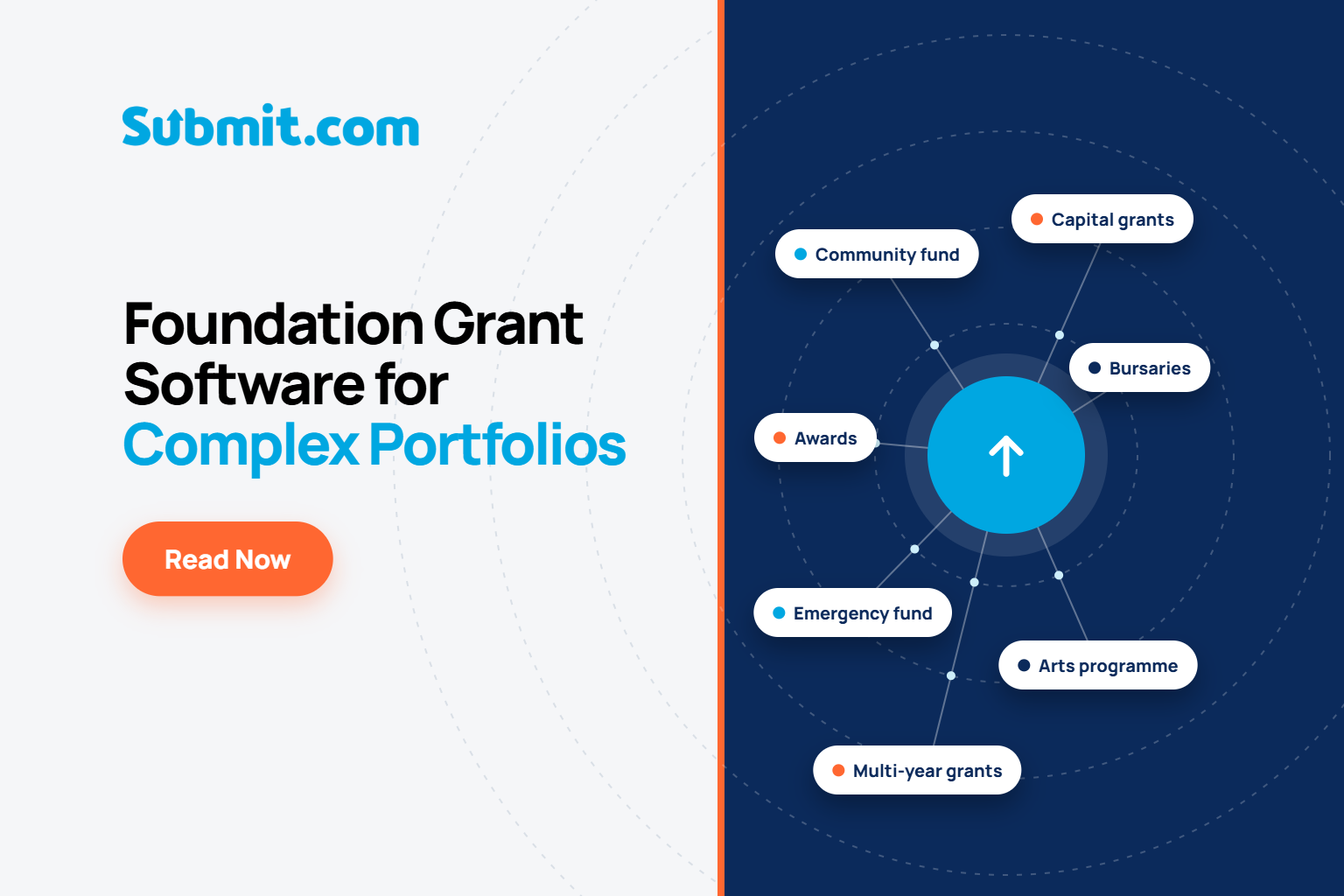
Foundation Grant Software for Complex Portfolios
 |
Dean Murphy Growth Marketing Specialist, Submit.com |
Foundation grant management software for complex portfolios lets one team run several funds, each with its own eligibility rules, forms, review stages and scoring, inside a single system. Trustees review in one place, every decision is recorded, and reporting rolls up across funds by theme, geography or year without rebuilding spreadsheets.
Most foundations never set out to run a complicated portfolio. It accumulated. A core programme came first, then a small grants tier for groups who couldn’t manage the main form, then a co-funded stream with its partner’s reporting rules attached, then an emergency round because something happened in March that nobody planned for.
The pressure behind that growth is well documented. The Association of Charitable Foundations reports that members saw application volumes rise by around 50 to 60% during 2023 to 2024, with more recent reports of increases of 100 to 400% (Source: Association of Charitable Foundations, Foundations in Focus 2025). The same report describes funders responding by raising grant spend, opening new programmes, narrowing eligibility and reviewing how people apply.
Every one of those responses is reasonable. Every one also adds another variant your team has to run correctly alongside everything else. That is the real test for foundation grant management software: not whether it can run a fund, but whether it can run six quite different ones without turning a small grants team into system administrators.
What counts as a complex grant portfolio?
A complex grant portfolio is one where a foundation’s funds differ from each other in ways that change the process: who can apply, how applications are assessed, who decides, how money is paid and what has to be reported afterwards.
Size isn’t the measure. A trust giving a few hundred thousand pounds a year through five funds can have a harder operational job than one giving far more through a single programme. In practice, complexity shows up as some mix of these:
- Funds with different eligibility, such as a small grants tier for unconstituted community groups running alongside a main programme for registered charities.
- Tiered grant sizes, each with its own form length and depth of due diligence.
- Restricted or co-funded streams where a partner sets the reporting requirements, not you.
- Rolling funds and fixed rounds open at the same time.
- An emergency or rapid-response round launched at short notice.
- Multi-year grants with staged payments, drawdowns and annual monitoring reports.
- Trustees or panel members who make decisions on more than one fund.
If several of those sound familiar, your portfolio is complex, whatever your annual grant budget.
Why the second fund is where spreadsheets fail
One fund in a spreadsheet is manageable. The trouble starts when you copy it.
The second fund gets a duplicated form, a duplicated tracker and a slightly different reviewer list. Within a round or two the copies drift apart. A question is reworded on one form and not the other. One panel adds a scoring column. Someone keeps the co-funder’s figures in a separate tab because the main sheet has no room for them.
Nobody did anything wrong. But when a trustee asks how much went to rural groups across every fund last year, the answer now depends on whoever built each sheet, and the colleague who understood the formulas may have moved on.
Volume makes all of this worse, but divergence is the root problem. Software for a complex portfolio has to stop funds drifting apart where they ought to be consistent, while letting them differ where they genuinely need to.
What should be shared across funds and what should each fund own?
The most useful decision you can make before configuring any system is to separate what belongs to the portfolio from what belongs to each fund. Get that right and adding a new fund becomes a configuration task rather than a rebuild.
| Area | Keep shared across the portfolio | Configure for each fund |
|---|---|---|
| Applicant experience | One branded portal, consistent status updates and a single record of each organisation | Fund-specific guidance, forms and eligibility questions |
| Eligibility | Shared definitions, such as what counts as a registered charity or a local group | The rules each fund applies and its automatic rejection criteria |
| Assessment | The principle that every fund has a written scoring rubric | The criteria, weightings and reviewer panel for that fund |
| Decisions | Who holds final authority and how each decision is recorded | Which trustees or panel members see which fund |
| Payments | The finance approval route and the audit trail | Grant sizes, payment schedules and drawdown stages |
| Reporting | Tags for theme, geography, beneficiary group and year | Any extra reporting a co-funder asks for |
The reporting row matters most. If every fund tags applications the same way at intake, portfolio reporting is a filter. If each fund invents its own categories, it becomes a reconciliation exercise before every board meeting. Submit.com is built on this split: you can run each programme with its own eligibility rules, review stages, scoring criteria and reporting while applicant records, communications and the audit trail stay in one place.
How do trustees and panels review consistently across different funds?
Give each fund a fixed scoring rubric, and give each reviewer access only to the funds and stages they are responsible for. Consistency follows from the structure rather than from asking people to try harder.
Inconsistency usually creeps in through the channel, not the people. When assessment packs go out by email, one trustee scores in the margins of a PDF, another replies with a paragraph and a third forwards it to a colleague for a second view. Comparing those afterwards is guesswork.
In Submit.com, access is controlled by role and by stage, so a panel member on the small grants tier sees those applications and nothing else. Reviewers score against the criteria configured for that fund, comments are time-stamped, and blind review can be switched on where a fund’s policy calls for it.
This is a governance point as much as a fairness one. The Charity Commission’s guidance for England and Wales allows some grant decisions to be delegated, while trustees usually keep overall power over high-risk or unusual ones (Source: Civil Society, 3 June 2026). A record of who saw what, and who scored what, is how you show that delegation worked.
Launching a new fund without rebuilding everything
New funds rarely arrive on a convenient timetable.
Developing Healthy Communities in Northern Ireland learned this when its funder, the Public Health Agency, planned to open a mental health and wellbeing fund earlier than usual. The team had eight weeks to replace a failing legacy system. Its programme manager, with no coding background, configured the forms, auto-reject rules, mandatory document uploads and reviewer access herself, and the fund opened on time. It now runs two tiers, up to £1,000 for smaller groups and up to £5,000 for established organisations, as separate workflows in the same platform.
For a foundation, the lesson is about reuse. If your eligibility screeners, notification templates and reporting tags already exist from the core programme, a rapid-response round is mostly a matter of copying the structure and changing what is genuinely different: the criteria, the deadline and the panel.
How does portfolio reporting roll up to the board?
Through consistent tags applied when applications arrive, so any report can be filtered across every fund at once instead of assembled fund by fund.
The High Fives Foundation’s Empowerment Fund covers nine funding areas. Rather than reading every application to work out where it belongs, the team uses auto-tags and auto-scores to see straight away which area an applicant is seeking and whether they have applied before.
Developing Healthy Communities applies the same idea geographically. It filters funded projects by health and social care trust area and cross-references them with deprivation data, which turned short-notice Assembly questions from a spreadsheet scramble into routine queries.
Once the tags are in place, reports can be run by cohort, tag, score or stage and exported for board papers. The discipline sits in the taxonomy rather than the software, so agree your portfolio tags with trustees before the next round opens.
Due diligence and audit trails in the UK and Ireland
Every fund in the portfolio carries the same legal duties, however small its grants.
In England and Wales, the Charity Commission published new grant-making guidance on 3 June 2026. It says grant-making charities must have a written agreement in place and monitor whether recipients meet the agreed terms, and that the Commission expects appropriate checks on potential recipients. Figures published alongside it show grant-making charities awarded £17.84 billion in 2024, up from £16.97 billion in 2023 (Source: Charity Commission, GOV.UK).
In Ireland, the Charities Regulator’s Charities Governance Code sets out minimum standards for managing and controlling a charity, built around six principles (Source: Charities Regulator). Applicant data falls under GDPR in both jurisdictions, overseen by the Information Commissioner’s Office in the UK and the Data Protection Commission in Ireland.
Submit.com keeps full audit trails of submissions, reviews, decisions and admin actions, supports configurable data retention, and is SOC 2 Type 2 and Cyber Essentials certified. For a multi-fund foundation the benefit is simple: one audit trail covers every fund, so evidencing due diligence no longer depends on which spreadsheet a grant happened to live in.
Where Submit.com fits
Submit.com suits foundations, trusts, community foundations and corporate foundations running several funds with a small team and no in-house developer. Funds are set up with no-code builders for forms, workflows, stages and notifications, and customers get guided onboarding and a dedicated Customer Success Manager. You can see how this works in practice on our page about grant management software for foundations.
It’s worth being straight about where it fits less well. If your grantmaking is entirely relationship-led, with a handful of invited grantees and no open application process, a lighter tool may do the job. Submit.com earns its place when applications arrive at volume across funds that each work differently.
Frequently asked questions
Can one platform run funds with different eligibility rules?
Yes. Submit.com runs multiple grant programmes in one platform, with each programme configured to its own eligibility rules, review stages, scoring criteria and reporting requirements. Ineligible applications can be filtered out automatically with auto-reject rules set for each fund.
How quickly can a foundation launch a new fund?
Many organisations launch a programme within days using Submit.com’s no-code builder and templates, depending on how complex the workflow is. Developing Healthy Communities went from decision to a live fund in eight weeks, including replacing its previous system.
Can trustees see only the funds they sit on?
Yes. Access in Submit.com is set by role and by stage, so trustees, panel members and external reviewers see only the funds and applications they are responsible for.
How does grant management software support due diligence and audit requirements?
It keeps a single, time-stamped record of each application, review, decision and payment across every fund. Submit.com maintains full audit trails, supports configurable data retention and is SOC 2 Type 2 and Cyber Essentials certified.
Do we need a dedicated system administrator to run several funds?
No. Submit.com is configured with no-code builders for forms, workflows, stages and notifications, so grants staff can set up and change funds themselves, with guided onboarding and a dedicated Customer Success Manager for support.
Bring your fund list and we’ll map it with you
Book a demo and show us the funds you run today. We’ll walk through how each one would be configured in Submit.com and what your trustees would see.




0 Comments