
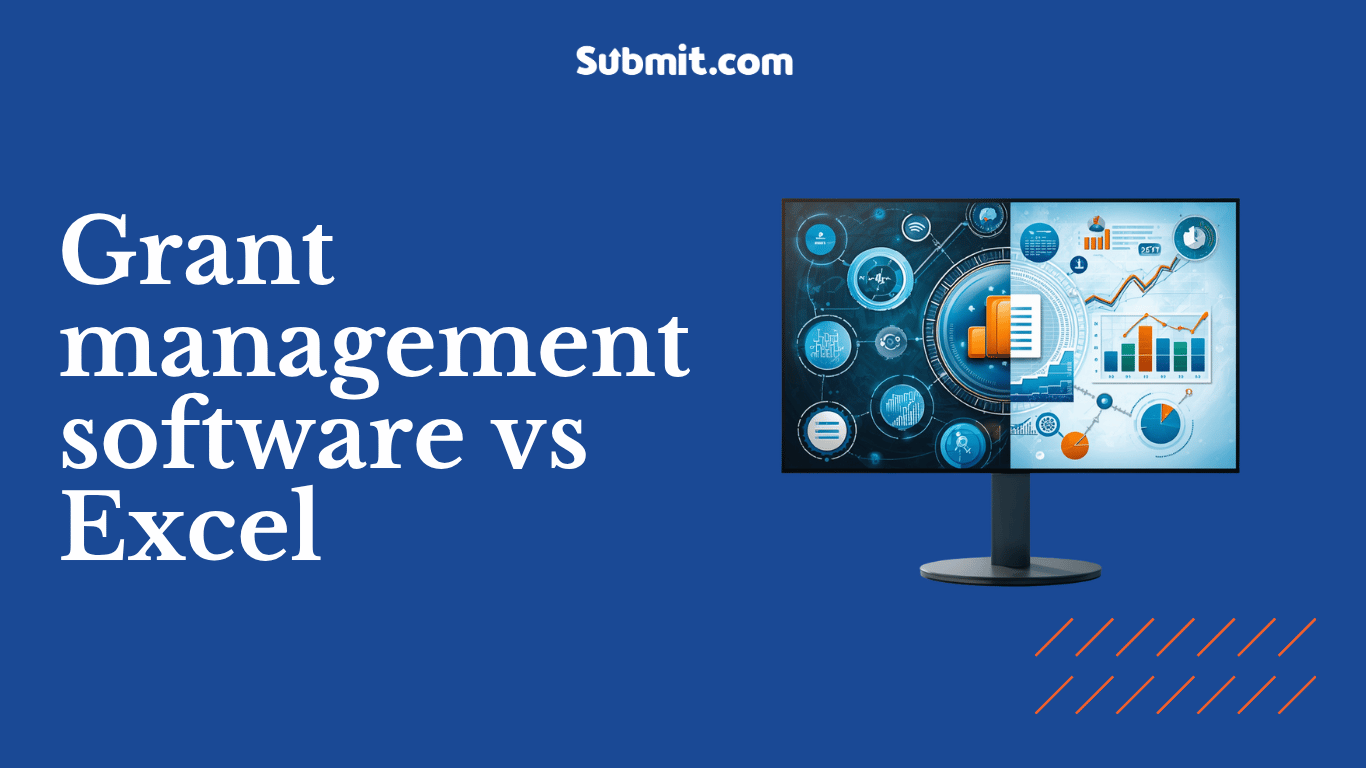
Grant management software vs Excel: when a spreadsheet stops being enough
Excel is fine for tracking a small number of grants or entries in one place. Grant management software becomes the better choice once you have multiple reviewers, real compliance obligations, high application volumes, or regular reporting to leadership. At that point a spreadsheet adds risk, manual work and version confusion that purpose-built software removes.
Almost every funding, scholarship or awards team starts in a spreadsheet. It is already on the computer, everyone knows how to use it, and for the first programme it does the job. The question is not whether a spreadsheet can track applications. It can. The question is when the cost of keeping everything in a spreadsheet quietly overtakes the cost of moving to something built for the work.
This guide sets out where the line sits. It covers what spreadsheets genuinely do well, where they start to fail a funding programme, and an honest threshold for when a council, foundation, university or awards body should move to grant management software.
What is the real difference between a spreadsheet and grant management software?
A spreadsheet is a general-purpose tool for storing and calculating data. It holds whatever you type into it, and it does nothing you have not built by hand. Grant management software is a system designed for one job: collecting applications, reviewing them fairly, making decisions, and reporting on the outcome.
The difference matters most in the parts of the process a spreadsheet was never built to handle: applicants submitting their own information, several reviewers scoring the same applications, a record of who did what and when, and reports produced on demand rather than rebuilt by hand each time. A spreadsheet can approximate some of this with enough formulas and discipline. A dedicated system does it as standard.
What spreadsheets actually do well
It is worth being fair to the spreadsheet, because a balanced view helps you judge your own situation. A spreadsheet is a reasonable choice when:
- You are running a single, small programme with a low number of applications.
- One person owns the process from start to finish.
- There is little or no formal review by a panel.
- You do not need to prove a detailed audit trail to funders, auditors or a board.
- The data is not especially sensitive and reporting needs are simple.
If that describes your programme, a well-built spreadsheet may be all you need for now. The problems appear when the work grows past those conditions, which for most public bodies, foundations and institutions it eventually does.
Where spreadsheets start to fail funding programmes
Five pressures tend to break a spreadsheet-based process. Most teams feel several at once.
How reliable are spreadsheets, really?
Less than most people assume. A 2024 literature review published in Frontiers of Computer Science found that 94% of spreadsheets used in business decision-making contain errors (Poon et al., via Phys.org). Long-running research by Raymond Panko finds an average cell error rate of around 5%, and because errors compound as a spreadsheet grows, large spreadsheets are almost certain to contain at least one (Panko, spreadsheet error research).
A funding decision built on a mistyped formula or a mis-sorted column is hard to spot and harder to explain after the fact. When you are allocating public money or donor funds, a small error carries a large consequence.
Why version control breaks down with multiple reviewers
The moment more than one person touches the process, the single-file model strains. Reviewers work in separate copies, scores are emailed back and forth, and someone spends hours merging versions and reconciling conflicts. It becomes difficult to say which file is the current one, whose scores are final, and whether anyone overwrote anyone else. Purpose-built software gives every reviewer role-based access to one live version, so there is nothing to merge and nothing to lose.
Can you prove a fair, auditable process in a spreadsheet?
This is where spreadsheets fall down hardest for public bodies and grantmakers. A spreadsheet does not record who changed a score, when, or why. If an unsuccessful applicant appeals, or an auditor asks how a decision was reached, a spreadsheet gives you no reliable history. Grant management software keeps a time-stamped audit trail of every action as standard, which is what turns “we think it was fair” into “here is the record”. For teams with GDPR duties and public accountability, that record is not a nice-to-have.
Why reporting to leadership takes so long
A spreadsheet stores data but does not report on it. Every board update, funder return or committee paper means copying figures across, rebuilding tables and hoping nothing broke in the process. As programmes multiply, this manual reporting becomes one of the largest hidden costs of the spreadsheet approach. A dedicated platform produces dashboards and reports from the live data, so an update is a few clicks rather than an afternoon.
What happens when the person who built the spreadsheet leaves?
Complex spreadsheets tend to live in one person’s head. The formulas, the colour coding and the workarounds make sense to whoever built them and to nobody else. When that person moves on, the process can stall while a colleague reverse-engineers how it all works. A configured system holds the process itself, not just the data, so knowledge does not walk out of the door with a single member of staff.
Grant management software vs Excel: a side-by-side comparison
Swipe left or right to see the full table on mobile.
| Task | Spreadsheet (Excel) | Grant management software |
|---|---|---|
| Collecting applications | Manual entry or emailed forms, re-keyed by staff | Applicants submit directly through a branded online form |
| Multiple reviewers | Separate copies, merged by hand | One live version with role-based access |
| Scoring | Manual formulas, easy to break | Weighted scoring against set criteria |
| Audit trail | None recorded automatically | Time-stamped record of every action |
| Reporting | Rebuilt by hand each time | Dashboards and reports from live data |
| Data protection | Depends on file handling and sharing | Access controls and GDPR-aligned handling |
| Continuity if staff leave | Knowledge lives with one person | Process held in the system itself |
So when should you move off spreadsheets?
There is no single application count that decides it. The honest test is about risk and effort, not volume alone. The more of the following that are true, the more a spreadsheet is costing you in time and exposure.
If three or more of these apply, the spreadsheet is likely costing you more than it saves.
What moving off spreadsheets looks like in practice
Public bodies across the UK and Ireland have made this move. Mid Ulster District Council previously ran its grant process across Outlook, Word and Excel, with filing cabinets full of paper applications. After moving to Submit.com, the council’s grant manager describes the process as held centrally and electronically instead (Mid Ulster District Council, Submit.com customer story).
Cork City Council saw the scale a digital process can absorb. Its online applications grew from roughly 1,000 in 2019 to 22,000 in 2020 after moving away from manual, paper-based intake (based on Submit.com project knowledge). The point is not the tool for its own sake. It is that a process built for the work handles growth, review and reporting that a spreadsheet cannot.
Frequently asked questions
Is Excel good for grant management?
Excel is suitable for a single small programme run by one person with simple reporting needs. It becomes a liability once you have multiple reviewers, compliance and audit duties, rising volumes or regular reporting, because it cannot track versions, record an audit trail or report on live data reliably.
Why use grant management software instead of spreadsheets?
Grant management software centralises applications, reviews and reporting in one system, which reduces errors and manual work. It also provides audit trails, reporting and better collaboration across teams, which spreadsheets cannot offer reliably and which public bodies and grantmakers usually need.
How many grants do you need before software is worth it?
There is no fixed number. The better test is risk and effort: multiple reviewers, audit or compliance duties, sensitive data, and regular reporting all push the balance toward software, even at modest volumes. A single complex programme with strict reporting can justify software on its own.
Can we move our existing spreadsheet data into grant management software?
Yes. Existing application data can typically be imported when you set up a new system, so you keep your history rather than starting from scratch. The exact approach depends on how your current data is structured, which is worth discussing before you begin.
See what a purpose-built process looks like
If your team is outgrowing spreadsheets, a short demo will show how Submit.com handles applications, reviews, audit trails and reporting in one place.





0 Comments