
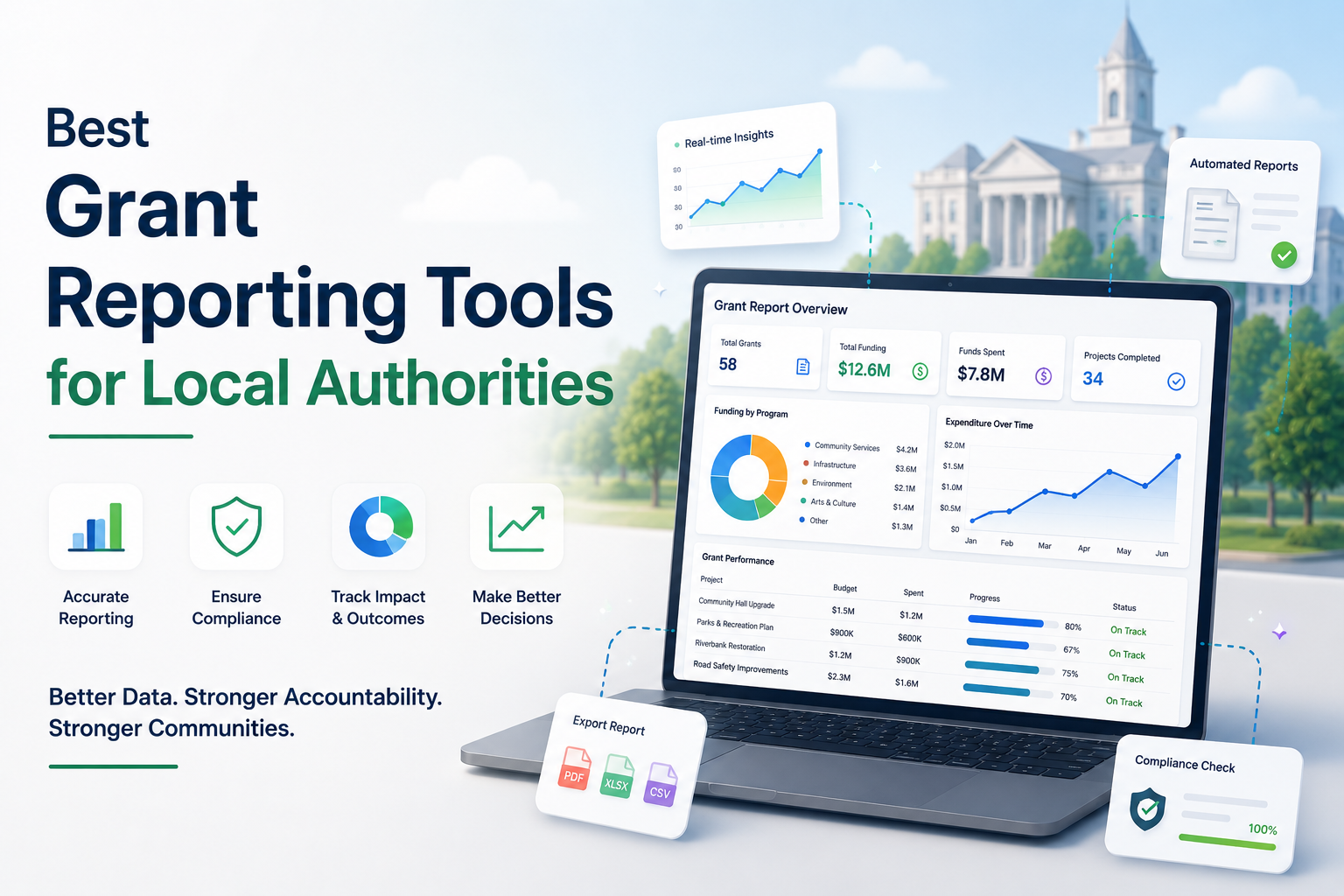
Grant management software with the best reporting tools for local authorities
Most grant management platforms advertise “real-time dashboards and reporting” and leave it there. For a council grants team that has to evidence fair decisions, account for public money and report to several audiences, that is not enough detail to choose on. This guide sets out what reporting tools a local authority should actually look for, why public sector reporting is harder than commercial reporting, and how Submit.com approaches it.
What “reporting tools” actually means for a local authority
In a council grants team, reporting is not one task. It is three distinct jobs, and a tool that only does one of them will leave gaps.
Operational reporting answers how the programme is running: how many applications arrived, what status they are in, how the applicant pool breaks down, and whether the team is on track for the decision deadline.
Financial reporting answers where the money is: how much has been awarded, how much has been drawn down, and how much remains across the funding portfolio.
Audit reporting answers whether the process can be defended: who scored, tagged, commented on and communicated about each application, and exactly when. This is the job most generic form tools and spreadsheets handle worst, and it is the one a council can least afford to get wrong.
Why grant reporting is harder in the public sector
Public funding carries an accountability burden that commercial reporting does not. Government grants are a large part of public spending: UK government grants amounted to £160 billion in 2024 to 2025 (source: Cabinet Office Grants Management Function, GOV.UK, gov.uk/government/collections/grants-management-function).
Grant making in central departments and arm’s length bodies is governed by the Government Functional Standard GovS 015: Grants, version 2.0, issued 21 July 2021 by the Cabinet Office (source: GOV.UK, gov.uk/government/collections/grants-management-function). The standard sets out a grant life cycle and expectations for governance and management. While the functional standard applies directly to central government and arm’s length bodies, the Cabinet Office notes that other public sector organisations administering grant funding, including local bodies, may find the guidance useful and should consider taking account of it (source: Grants Continuous Improvement Assessment Framework, GOV.UK, gov.uk/government/publications/grants-standards).
The practical effect for a council grants manager is that reporting cannot be an afterthought bolted on at year end. It needs to fall out of the day-to-day process, with a record solid enough to stand up to scrutiny.
What makes reporting tools genuinely useful for councils?
Reports tied to a defensible audit trail
A number on a dashboard is only as trustworthy as the record behind it. The most useful reporting tools sit on top of a complete log of decisions, so a figure in a board report can be traced back to who did what and when. This is what lets a team demonstrate that every applicant was treated consistently, which matters for trust, appeals and audit.
Financial oversight: awarded, drawn down and remaining
Councils rarely pay a grant in one lump. Funds are often released in stages, so reporting needs to track the total amount awarded, each drawdown, and the balance remaining across the whole portfolio, not just the headline award figures.
Reports every audience can read
A grants team reports to several audiences in the same cycle: a director who wants a one-page summary, an auditor who wants the detail, and a funder who wants evidence of reach and impact. Good reporting tools produce all of these from the same underlying data, rather than forcing the team to rebuild each report by hand.
No-code, with no dependence on IT
Council grants teams are usually small and stretched. Reporting tools that need a developer to build each new report create a bottleneck. The teams that report fastest are the ones whose administrators can configure and run reports themselves.
How Submit.com approaches reporting for local authorities
Submit.com is grant, awards and scholarship submission management software used by councils and public bodies across the UK and Ireland. Its reporting is built on a simple principle: the review process and the reporting suite are two halves of one system. Every action your team takes while assessing applications becomes data you can report on later.
The Audit Trail
Every score, tag, comment and message in Submit.com is recorded automatically in the Audit Trail. The trail logs who made each change, what was changed and when it happened. If you need to show that a process was fair, consistent and properly documented, the evidence is already there.
Form Summary: a filterable, exportable dataset
The Form Summary gives a live view of all submissions in one place. You can filter by status, tag, date range or any answer in the form, customise the columns shown, and export the result as a CSV. It is the working view for building a panel shortlist, a funder record or a dataset for the team.
Breakdowns: visual insights from application data
Breakdowns turn form answers into charts. Any question can become a pie or bar chart showing how responses are distributed across the applicant pool, and the charts are filterable and exportable ready to drop into a presentation or report. This is useful for showing a board or funder how a programme is reaching its intended communities.
Grants Reporting: financial oversight at a glance
For funding programmes, Submit.com includes dedicated financial reporting. You can track amounts awarded, amounts drawn down and remaining balances across the portfolio. Summary statistics, including the lowest, average and highest award values, give context for accurate reporting, and cumulative charts show how funding has moved over time.
Swipe left or right to see the full table on mobile.
| Reporting tool | What it answers | Who it serves |
|---|---|---|
| Audit Trail | Who scored, tagged, commented and messaged, and when | Auditors, governance, appeals |
| Form Summary | The full, filterable record of submissions, exportable to CSV | Programme team, funders |
| Breakdowns | How the applicant pool is distributed across any question | Leadership, boards, funders |
| Grants Reporting | Amounts awarded, drawn down and remaining across the portfolio | Finance, leadership, funders |
Submit.com is also built for public sector procurement and compliance: it is listed on the UK Government’s G-Cloud Marketplace, holds Cyber Essentials certification and is GDPR compliant. You can review the detail on the security and compliance page.
Local authorities already reporting with Submit.com
Councils across the UK and Ireland use Submit.com to manage and report on grant programmes, including Suffolk County Council, Cork City Council, Dún Laoghaire-Rathdown County Council, Mid Ulster District Council and Meath County Council.
At Dún Laoghaire-Rathdown County Council, standardising application forms also standardised reporting across departments. According to Digital Strategy Officer Ronan Herron, Submit.com worked with the council to understand the reports it needed and configured the platform so admins could create them, to the point where the council can compare metrics between departments and make strategic decisions as a result (source: Submit.com Dún Laoghaire-Rathdown customer story, submit.com/resources/customer-stories).
A short checklist for council grants teams choosing reporting tools
- Does every reported figure trace back to a complete audit trail of decisions?
- Can you track awarded, drawn down and remaining funding across the portfolio, not just awards?
- Can the same data produce a leadership summary, an audit record and a funder report?
- Can your administrators build and run reports without waiting on IT or a developer?
- Is the platform procurement ready for the public sector, with recognised security and data protection credentials?
Frequently asked questions
What are the best reporting tools in grant management software for local authorities?
The most useful reporting tools for a council cover three jobs from one system: an audit trail that records who decided what and when, financial reporting that tracks amounts awarded, drawn down and remaining, and operational reporting that turns application data into summaries leadership, auditors and funders can read. Submit.com provides all three through its Audit Trail, Grants Reporting, Form Summary and Breakdowns.
What is audit-ready grant reporting?
Audit-ready grant reporting means each reported figure can be traced back to a complete record of the decisions behind it. In Submit.com, every score, tag, comment and message is logged automatically in the Audit Trail, recording who made each change and when, so a team can demonstrate a fair and consistent process during an audit or an appeal.
Can councils track how much grant funding has been drawn down?
Yes. Submit.com’s Grants Reporting tracks the total amount awarded, each drawdown and the remaining balance across the funding portfolio, alongside summary statistics such as the lowest, average and highest award values and cumulative charts showing how funding has moved over time.
Does grant reporting software need IT support to run?
It should not. Submit.com is a no-code platform, so council administrators can configure forms, workflows and reports themselves without relying on developers, which removes the bottleneck that slows reporting in stretched grants teams.
How does grant reporting support GovS 015 compliance?
The Government Functional Standard GovS 015: Grants sets out governance and management expectations for grant making in central government and arm’s length bodies, and the Cabinet Office notes other public bodies may find it useful. A complete, exportable audit trail and structured financial and operational reporting help a team document its process and evidence its decisions, which supports the kind of governance the standard describes. Councils should confirm their own obligations against the current guidance on GOV.UK.
See how Submit.com turns your grant review process into leadership-ready and audit-ready reports.






0 Comments