

Scholarship management software is a single system for collecting scholarship applications, screening eligibility, running reviewer scoring, recording award decisions and reporting on funds. The right platform depends on how many programmes you run, how your review committee works, and whether you need fund reporting alongside the application process.
Most scholarship teams do not start with software. They start with a form, a shared inbox and a spreadsheet, and that combination works until a second programme is added, the committee grows, or a finance office asks which fund paid for which award. The question is rarely whether to replace the spreadsheet. It is which system replaces it, and what you will be able to show about your process afterwards.
This guide covers what the category does, what to compare, the questions to put to every supplier, and where Submit.com fits.
What does scholarship management software do?
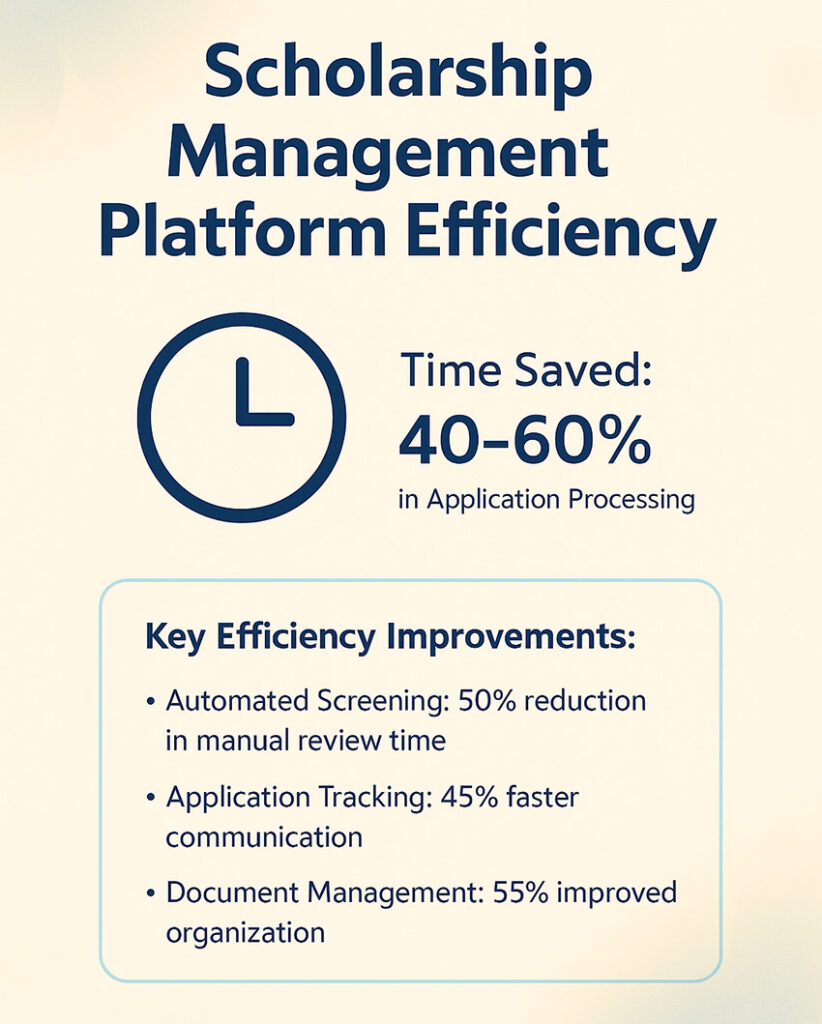
Scholarship management software covers five stages: application intake, eligibility screening, review and scoring, the award decision, and reporting. Intake and scoring are standard across the category. Fund tracking, renewals and donor reporting are where products differ most, so test those stages hardest.
Scale changes the problem. For example, a community foundation giving 40 named awards needs clear criteria and a small panel, while a university assessing thousands of applications against a dozen funds needs eligibility rules, reviewer assignment and fund reporting that work at volume.
Submit.com for scholarships
Submit.com is a submission management platform for organisations that run scholarships alongside other application-based programmes, such as grants, fellowships and awards. Universities, foundations and public bodies use it, including Munster Technological University and the University of Limerick.
On every plan (Submit.com pricing):
- Branded application forms with more than 30 question types, branch logic and progress tracking
- Weighted and automatic scoring, auto-reject for applications that do not qualify, and tagging
- Smart folders for organising applications, and bulk messages based on tags or status
- External reviewers with limited access
On Pro and Enterprise: multi-phase applications, anonymised review, committee summary reports, role-based permissions, multi-factor authentication and single sign-on, multilingual forms and card payments through Stripe.
On Enterprise: audit logs of user activity, API access for exporting to student information systems, CRMs and finance systems, and a dedicated account manager.
Price and assurance: the Starter plan is published at EUR 5,995 a year for one programme and up to 1,000 applicants; Pro and Enterprise are priced on request (Submit.com pricing). Submit.com holds SOC 2 Type 1 and Type 2 attestations and Cyber Essentials certification, and is GDPR compliant (security and compliance).
Other platforms you may shortlist
Scholarship teams also commonly evaluate SmarterSelect, AwardSpring, Kaleidoscope and Submittable. Products, plans and prices change often, so rather than summarise them here, put the same questions to every supplier and compare the written answers.
Questions to ask every supplier
On a small screen, scroll the table sideways.
| Question | Why it matters | Submit.com’s answer |
|---|---|---|
| What is the total annual cost for our number of programmes and applicants? | Plan limits, implementation and support can matter as much as the headline price. | Starter: EUR 5,995 a year, 1 programme, up to 1,000 applicants. Pro (up to 5 programmes) and Enterprise on request. |
| Can reviewers score blind? | Reduces bias and makes decisions easier to defend. | Anonymised review on Pro and Enterprise. |
| Can we export the full scoring and activity history for one applicant? | Needed if an unsuccessful applicant challenges a decision. | Exports on every plan; audit logs of user activity on Enterprise. |
| Does it connect to our student information system? | Avoids rekeying applicant data. | API access on Enterprise. |
| Which features in the demo are on the plan you are quoting? | Demos often show the top plan. | Plan features are listed on the pricing page. |
| Which security certificates and reports cover the product? | A general compliance statement is not evidence. | SOC 2 Type 1 and Type 2, Cyber Essentials, GDPR compliant. |
Key features to look for
Application intake and eligibility screening
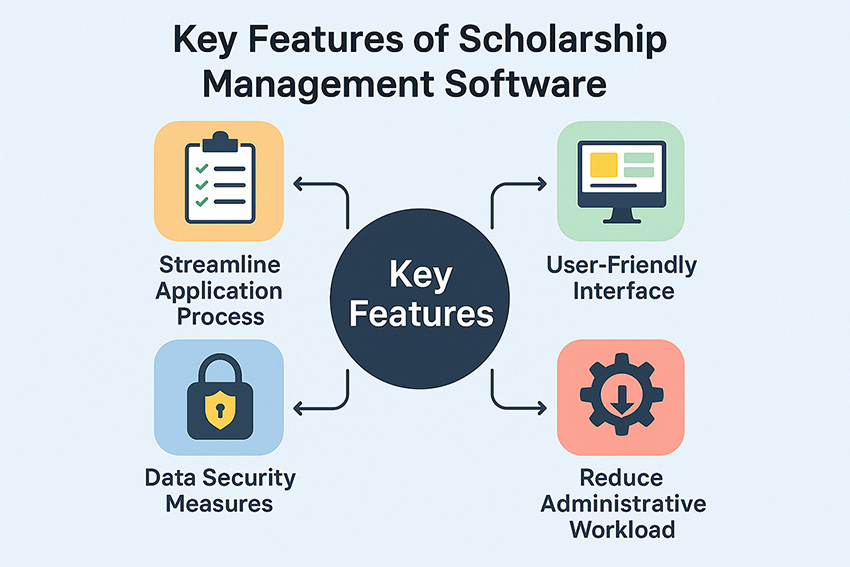
Conditional questions, autosave and mobile-friendly forms help applicants finish. Screening for eligibility at the point of application means reviewers spend their time on applications that qualify. If applicant data lives in your student information system, ask how each supplier connects to it.
Data security and compliance
Expect encryption in transit and at rest, role-based access control, regular backups and an activity log. US institutions should ask how the supplier supports their obligations under the Family Educational Rights and Privacy Act (FERPA); institutions handling data of people in the EU or UK should ask the same about GDPR. Ask for the supplier’s own certificates rather than a general compliance statement.
Review workflow and defensibility
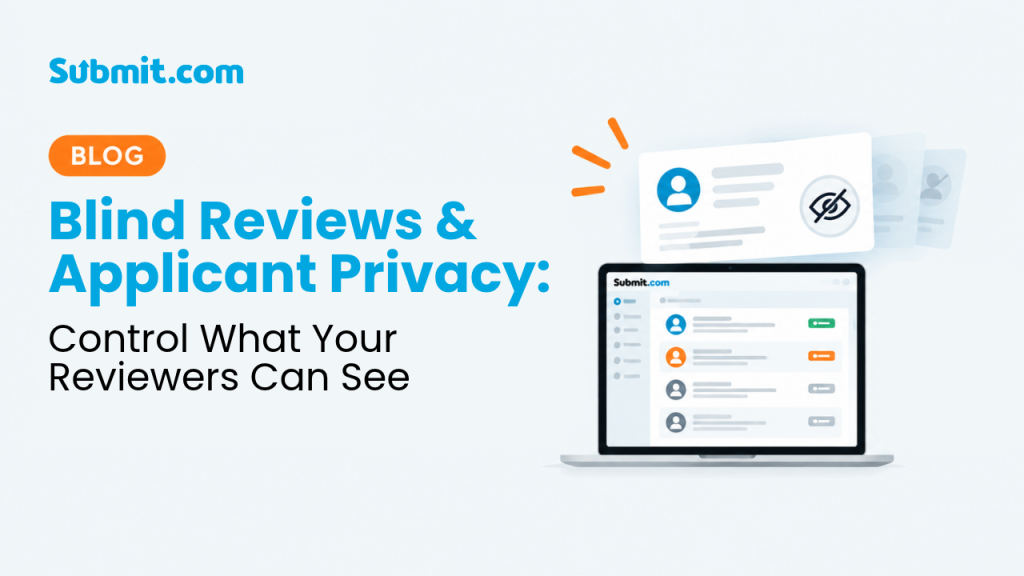
Look for weighted scoring, blind review, recorded conflict-of-interest declarations and a complete record of who scored what. The practical test: if an unsuccessful applicant challenges a decision, how quickly can you export that applicant’s full scoring history?
Reporting and fund visibility
Check that awards link back to the correct fund without manual reconciliation, and that renewable awards are tracked across years rather than re-entered each cycle. Ask to see a fund report produced from the supplier’s system, not a slide.
What scholarship management software improves
Administrative work falls because intake, screening, reminders and decision letters stop being manual tasks. Reviewer coordination improves because scoring happens in one place against one rubric, instead of across emailed attachments.
Applicant communication becomes consistent. Status updates, deadline reminders and decision notices are sent from the system and recorded against the application, which matters when someone asks what an applicant was told and when.
Donor and stakeholder reporting gets easier where the platform links awards to funds, because summaries come from live data rather than reconciled spreadsheets.
When scholarship management software is the wrong choice
As a rule of thumb, if you run one scholarship a year, receive a few dozen applications and two people make the decision, a well-built form and a shared folder may serve you well. Software adds set-up work and an annual cost that a programme at that scale may not recover.
Submit.com is a poor fit if you need a packaged financial aid assessment product, if your requirement is donor CRM and stewardship rather than application management, or if your scholarship process is already built inside an enterprise system your institution has committed to.
How to choose the right solution

Start with your hardest programme, not your simplest
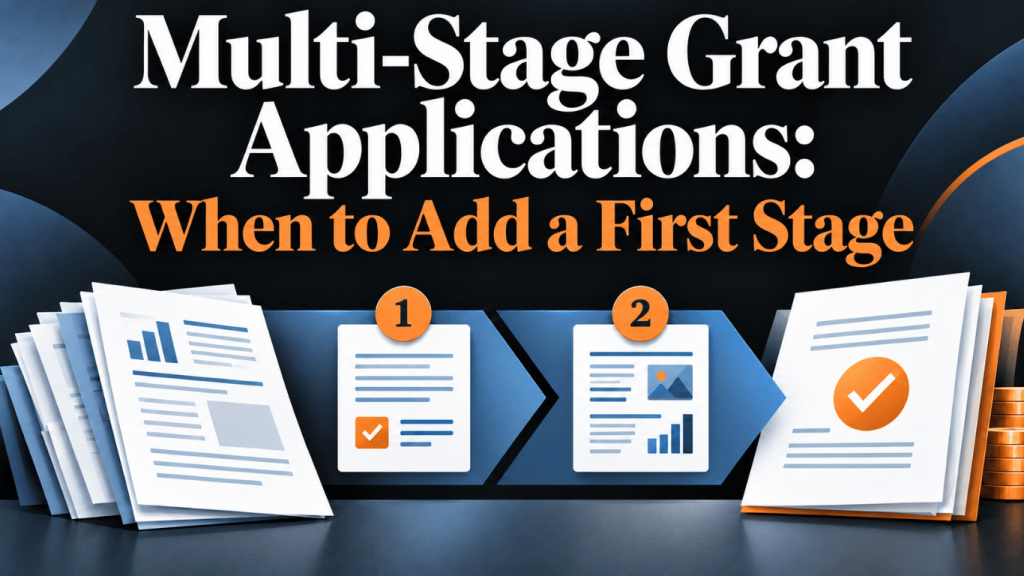
Evaluate against the scholarship with the awkward eligibility rule, the two-stage panel, or the renewal condition nobody enjoys tracking. A demo built around your easiest programme tells you little. Bring the difficult one and ask the supplier to configure it live.
Compare total cost, not headline price
Ask what each plan includes and what is charged separately: implementation, training, additional programmes, additional reviewers, single sign-on and support. Check what happens to the price when you add your second and third programmes.
Test support before you sign
Onboarding, support and a usable knowledge base decide whether the system is adopted. Send a real question during the evaluation and note how long the answer takes.
Involve the people who will use it
Committee members are often the least software-tolerant people in the process. If reviewers cannot score an application without training, your scoring will be late every cycle, so include a reviewer in the demo.
Frequently asked questions
How much does scholarship management software cost?
Prices depend on the supplier, the plan, the number of programmes and the applicant volume, and implementation and support can add to the licence. Ask every supplier for a written quote covering the full annual cost. Submit.com publishes its Starter plan at EUR 5,995 a year for one programme and up to 1,000 applicants; Pro and Enterprise are priced on request.
What is scholarship management software?
Scholarship management software is a single system for collecting scholarship applications, screening eligibility, running reviewer scoring, recording award decisions and reporting on funds. It replaces the mix of forms, shared inboxes and spreadsheets most programmes start with.
What security measures should institutions expect?
Expect encryption in transit and at rest, role-based access control, regular backups and an activity log. Ask how the supplier supports your obligations under FERPA or GDPR, and ask for its own certificates and a completed security questionnaire rather than a general compliance statement.
Can one platform handle several scholarships with different rules?
Usually, but check how the plan limits programmes and how each one is configured. On Submit.com, Starter covers one programme, Pro up to five and Enterprise five or more, each with its own questions, eligibility rules, reviewers and deadlines.
When is scholarship management software not worth it?
As a rule of thumb, if you run one scholarship a year, receive a few dozen applications and two people make the decision, a well-built form and a shared folder may serve you well. Software adds set-up work and an annual cost that a programme at that scale may not recover.
See it run your hardest scholarship
Bring the programme with the complicated eligibility rule and the committee that never agrees. We will configure it during the demo rather than show you a sample.


0 Comments