

Automation reduces the administrative burden in grants by taking over the repetitive, rule-based steps that fill a grants officer’s week: checking eligibility, chasing missing documents, routing applications to reviewers, adding up scores, sending status emails and pulling reports together. It works best when the rules are clear and the outcome is the same every time. Judgements, such as scoring quality, handling a conflict of interest or making the funding decision, should stay with people. The practical question is which of your tasks fall on each side of that line.
This guide sets out where grant admin time goes, which tasks to automate and which to keep, what councils and other funders in Ireland and the UK have changed, and how to start. It is written by Submit.com, which makes grant management software.
Where does grant admin time go?
Most of the time in a grant round goes on small, repeated tasks rather than on decisions:
- Answering “have you received my application?” and “is my form complete?” emails
- Checking each application against the eligibility rules by hand
- Chasing missing documents and late submissions
- Printing, emailing or sharing application packs with reviewers
- Collecting scores in different formats and adding them up in a spreadsheet
- Sending outcome letters one at a time
- Rebuilding the same report for every committee meeting
Each takes minutes. Across hundreds of applications and several schemes a year, they take weeks.
Which grant tasks should you automate, and which should stay human?
| Task | Automate | Keep human |
|---|---|---|
| Eligibility | Decline applications that fail a clear rule, such as being outside the area, and send a standard notice | Borderline cases and any appeal |
| Completeness | Make essential documents mandatory and send reminders for unfinished applications | Decisions on late or missing evidence |
| Sorting | Tag applications by scheme, area or applicant type from their answers | Deciding what the tags should be |
| Reviewer access | Give each reviewer only the applications in their folder | Assigning reviewers and handling declared conflicts |
| Scoring | Weighted totals and rankings calculated automatically | The scores themselves, and moderation where reviewers disagree |
| Communication | Confirmation emails, reminders and outcome messages sent to groups by status or tag | The wording of outcome letters and any individual explanation |
| Reporting | Reports filtered by scheme, status, area or date, rerun on demand | Interpreting results for the committee |
| Decisions | Recording who decided and when | The decision itself |
On a small screen, scroll the table sideways to see every column.
The right-hand column matters as much as the middle one. Funders are accountable for their decisions, so automation should make each decision faster to reach and easier to evidence, not take it away from the people responsible. That applies to AI too: see our guide to why governance has to come first with AI in grant decisions.
What have funders in Ireland and the UK changed?
- Cork City Council grew its online applications from around 1,000 in 2019 to 22,000 in 2020. For its Lifelong Learning Awards, 23 external judges each saw only their own category, scored against five criteria, and the totals were calculated automatically.
- The Dún Laoghaire-Rathdown Local Enterprise Office replaced printed booklets for its evaluation committee with shared online folders, which its Head of Enterprise and Economics estimates saves two days a month.
- Dún Laoghaire-Rathdown County Council tags applications by electoral ward, so staff can produce a report for each councillor without rebuilding it by hand.
- Chambers Ireland used to print every awards application five times and post bundles to its volunteer judges. Judges now score online from wherever they are.
- Developing Healthy Communities in Northern Ireland made supporting documents mandatory and set automated reminders for unfinished applications and missing documents, so no incomplete application reached assessment.
“We’ve got a slick, efficient grant process now. Happier team, way less paperwork.”
Beverley Davies, Grants and Programmes Manager, Suffolk County Council
How Submit.com automates grant admin
In Submit.com, eligibility questions can decline an application automatically and send a notice, answers can tag applications as they arrive, reviewers see only the folders assigned to them, weighted scores are totalled for you, and messages can go to everyone with a given status or tag at once. Progress and final reports can be added as later phases of the original application, and reports can be filtered by folder, status, tag or date and exported to CSV, Excel or PDF.
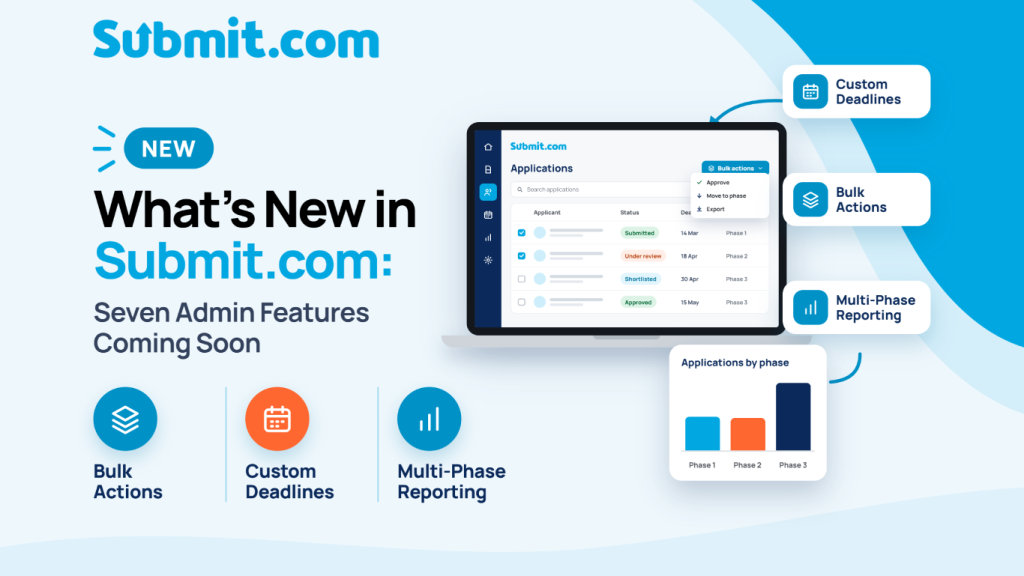
In September 2026, Submit.com announced further admin features, including bulk actions on many applications at once, messages scheduled for a set date and time, and saved multi-phase reports (what’s new in Submit.com). Some automation features sit in plans above Starter, so check the plan comparison against the tasks you want to automate.
How to start automating your grant process
- Map one scheme. List every step from launch to final report, and who does it.
- Mark each step as rule or judgement. Rules are candidates for automation; judgements stay with people.
- Start with the biggest time drains. In most teams that is chasing incomplete applications, distributing packs to reviewers and adding up scores.
- Write the rules down first. Automation applies whatever rule you give it, consistently. A vague eligibility rule automated is still vague.
- Test end to end before launch, with staff acting as applicants and reviewers, then copy what works to your next scheme.
Frequently asked questions
How does automation reduce administrative burden in grant management?
It takes over repetitive, rule-based steps: eligibility checks against clear rules, reminders for incomplete applications, routing applications to reviewers, totalling weighted scores, sending status and outcome messages to groups, and rerunning standard reports. Staff time goes on the judgements instead.
What grant tasks should not be automated?
Anything that needs judgement: scoring the quality of an application, moderating disagreements between reviewers, handling conflicts of interest, borderline eligibility, appeals and the funding decision itself. Automation should record those decisions and make them easier to evidence, not make them.
Does automating grant management make decisions less fair?
Not if the rules are written down and applied consistently. Automated eligibility checks and score totals apply the same rule to every applicant, which can make a process fairer. The risk is automating a vague or wrong rule, so agree the rules before you configure them.
Where should a grants team start with automation?
Map one scheme from launch to final report, mark each step as a rule or a judgement, and automate the rule-based steps that take the most time, usually chasing incomplete applications, distributing applications to reviewers and adding up scores. Test end to end before launch.
See which steps of your grant round Submit.com could take off your team’s desk.
Further reading: grant management guide, audit-ready grant review and why councils are moving grant management online.




0 Comments