

How to design an effective grant application form
An effective grant application form collects exactly the information a decision needs, and nothing more. It uses conditional logic so applicants only see relevant questions, screens out ineligible submissions early, meets accessibility requirements, and can be completed on any device. The result is fewer incomplete applications, less admin follow-up, and fairer, faster decisions.
Whether you run grants at a council, scholarships at a university, or an awards programme for a professional body, the form is where the process succeeds or fails. A form that is too long, too generic, or hard to use will lose good applicants before they finish. Below are seven design principles that shape a form worth completing, written for the teams who build and manage them rather than the people filling them in.
1. Use conditional logic so applicants only see relevant questions
A well-designed form responds to the answers people give. Conditional logic, sometimes called branching or logic jumps, shows or hides questions based on earlier responses. A first-time applicant and a returning grantee see different paths. An organisation applying for capital funding sees different questions from one applying for a small community grant.
This does two things at once. It shortens the form for each applicant, because nobody wastes time on questions that do not apply to them. It also improves the quality of what you collect, because every answer is relevant to the decision you are making. On Submit.com, you can build these paths without code, so a programme manager can adjust them as a scheme evolves. You can read more about our smart online forms and branching logic.
2. Let applicants respond in the format that suits the question
Not every question is best answered with a text box. A budget is clearer in a structured table. A short list of options is faster as multiple choice. A creative or community project might be best explained in a short video. Forcing everything into free text makes forms harder to complete and harder to review consistently.
Before you write a question, decide how you would want to answer it if you were the applicant, then pick the field type that matches. Submit.com supports more than 30 question types, including structured tables with auto-calculating formulas, so budgets and financial breakdowns add up correctly before an application is even submitted. Consistent field types also make reviewing and scoring far more reliable, because reviewers compare like with like.
3. Make supporting documents easy to upload
Most grant, scholarship and awards applications need supporting evidence: accounts, quotes, safeguarding policies, portfolios, letters of support. If uploading these is awkward, applicants abandon the form or submit incomplete applications that your team then has to chase.
Place upload fields at the point in the form where the document is relevant, accept the file types applicants actually use, and make it clear what is required before they can move on. Cambridgeshire Community Foundation, for example, asks applicants for three quotes for any capital item over £500, which is exactly the kind of requirement a well-placed upload field enforces cleanly. (Source: Cambridgeshire Community Foundation, https://www.cambscf.org.uk/news/top-tips-writing-a-grant-application/)
4. Keep applicants on track with timely reminders
An abandoned application is rarely a rejected opportunity. More often, life got in the way and the applicant meant to come back. Automated reminders at sensible points, a nudge as a deadline approaches, or a prompt to finish a draft, recover applications that would otherwise be lost.
Submit.com shows you the completion percentage of every draft submission, so you can see who has started but not finished and prompt them directly. This matters because presentation and completeness genuinely affect outcomes. UK Research and Innovation notes that presentation, punctuation and grammar set the tone for how reviewers feel about an application, which is easier to get right when applicants are not rushing to beat a deadline they forgot about. (Source: UKRI, https://www.ukri.org/blog/12-top-tips-for-writing-a-grant-application/)
5. Brand the form so applicants trust it
An unbranded form on a generic domain looks like it might be a scam, especially to applicants sharing personal or financial details. A form that carries your organisation’s identity, on your own branded workspace, signals that the process is official and that their information is safe.
For public bodies and funders, this is a trust and safeguarding point as much as a marketing one. A consistent, professional-looking form reassures applicants that they are in the right place, which supports higher completion rates and fewer support queries.
6. Design for accessibility and collect only what you need
This is the principle most listicles skip, and it is the one that matters most for public-sector teams. Two things sit under it: accessibility and data minimisation.
Accessibility is a legal duty for UK public sector bodies. Under the Public Sector Bodies (Websites and Mobile Applications) (No. 2) Accessibility Regulations 2018, public sector websites and applications must meet recognised accessibility standards. (Source: legislation.gov.uk, https://www.legislation.gov.uk/uksi/2018/952/contents/made) In practice that means forms must work with keyboard navigation, screen readers, clear labels and sufficient colour contrast, so no eligible applicant is shut out by the form itself.
Data minimisation is the other half. Under UK GDPR, personal data you collect must be adequate, relevant and limited to what is necessary for your purpose. (Source: Information Commissioner’s Office, https://ico.org.uk/for-organisations/uk-gdpr-guidance-and-resources/data-protection-principles/a-guide-to-the-data-protection-principles/the-principles/) The practical test for every field is simple: does this answer change a decision? If it does not, cutting it makes the form shorter, faster to complete and easier to justify to your data protection lead. Marking only genuinely required fields as mandatory tells applicants what matters and lets them skip what does not.
7. Break long applications into phases
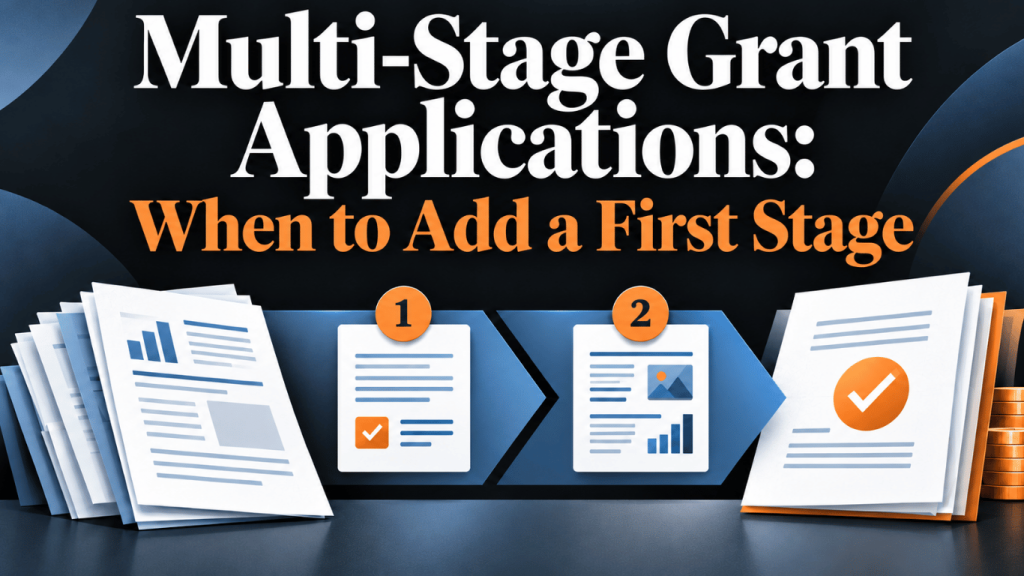
A single, very long form is intimidating and drives drop-off. Splitting an application into phases keeps each stage manageable and lets you screen applicants as they progress, so reviewers only spend time on submissions that are eligible and complete.
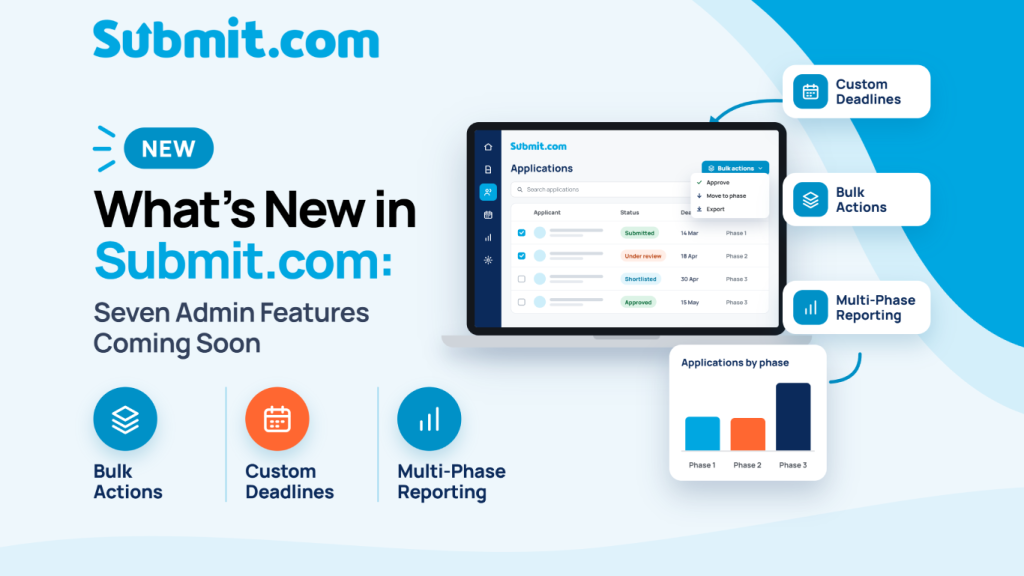
Phases also work after the award. You can add a later stage to collect progress reports, budget updates and outcomes from grantees, keeping the original application data and the new reporting data in one place. COCO, the production company behind First Dates Ireland, uses a multi-phase approach on Submit.com: a completed application form, then a phone interview, then an invitation to submit a short video, which lets the team focus attention on the strongest candidates at each stage. (Based on Project knowledge.) You can see how our multi-phase submissions are structured.
Design principles at a glance
Swipe left or right to see the full table on mobile.
| Principle | What it does | Why it matters |
|---|---|---|
| Conditional logic | Shows only relevant questions | Shorter forms, more relevant data |
| Flexible formats | Matches field type to question | Easier to complete and review |
| Easy uploads | Places document fields in context | Fewer incomplete submissions |
| Timely reminders | Nudges drafts to completion | Recovers lost applications |
| On-brand design | Carries your identity and domain | Builds trust, aids safeguarding |
| Accessible and lawful | Meets accessibility and GDPR duties | No eligible applicant shut out |
| Multi-phase structure | Splits long forms into stages | Screens early, reports later |
Frequently asked questions
What makes a grant application form effective?
An effective grant application form collects only the information a decision needs, uses conditional logic so applicants see only relevant questions, screens out ineligible applications early, meets accessibility requirements, and works on any device. This reduces incomplete submissions and supports fairer, faster decisions.
How does conditional logic improve an application form?
Conditional logic shows or hides questions based on earlier answers, so each applicant only sees questions relevant to them. This shortens the form for the applicant and improves the quality of the data you collect, because every answer relates to the decision you are making.
Do UK public sector application forms need to be accessible?
Yes. Under the Public Sector Bodies (Websites and Mobile Applications) (No. 2) Accessibility Regulations 2018, public sector websites and applications must meet recognised accessibility standards, which means forms should work with keyboard navigation, screen readers, clear labels and sufficient colour contrast.
How many questions should a grant application form have?
There is no fixed number. The right length is the shortest form that collects everything a decision needs. Apply the data minimisation test to every field: if an answer does not change a decision, remove it. Under UK GDPR, personal data must be adequate, relevant and limited to what is necessary.
Should a long application be split into phases?
Splitting a long application into phases keeps each stage manageable and lets you screen applicants as they progress, so reviewers only spend time on eligible, complete submissions. Later phases can also collect progress reports and outcomes from grantees after an award.
Build forms your applicants can finish
Submit.com gives grant, scholarship and awards teams no-code smart forms with conditional logic, eligibility screening, multi-phase submissions and accessible, branded portals. See how it fits your programme.
Submit.com is a grant, awards and scholarship submission management platform based in Cork, Ireland, serving public sector organisations across the UK and Ireland.



0 Comments